2026 Guide
How to Learn UI Design Basics
BrainStation’s UI Designer career guide is intended to help you take the first steps toward a lucrative career in UI design. The guide provides an in-depth overview of the design skills you should learn, the best available UI design training options, career paths in UI design, and more.
Become a UI Designer
Speak to a Learning Advisor to learn more about how our courses can help you become a UI Designer.
Thank you!
We will be in touch soon.
If you have ever caught yourself admiring the sleek, intuitive layout of a new mobile app, or conversely, feeling frustrated by a clunky, confusing website, you already have an eye for analyzing a user interface. UI design is the technical and creative discipline of designing the interactive, visual elements of digital products. As a vital subset of UX (user experience) design, it is what transforms complex code and raw data into a digital product that any user can navigate effortlessly, focusing on how the interface looks and feels to the end user.
Deciding to learn UI design basics opens doors to a fast-paced, rewarding role in tech. Whether you are pivoting industries or upgrading your current skills to create stunning digital platforms, these talents transfer into many career opportunities. To learn UI, you don’t need to code, instead, you must grasp visual logic, human behavior, and industry-standard tools. Ultimately, when learning UI as an aspiring designer, your primary goal is to master the basic rules of the screen while developing strong visual skills.
This comprehensive guide will walk you through the exact blueprint for going from a beginner to a UI designer. We will cover the day-to-day of the role, the different educational pathways available to you, how to get hands-on practice, and the exact resources you need to build a portfolio that gets you hired for your first job in the UI/UX design field.
What Does a UI Designer Do?
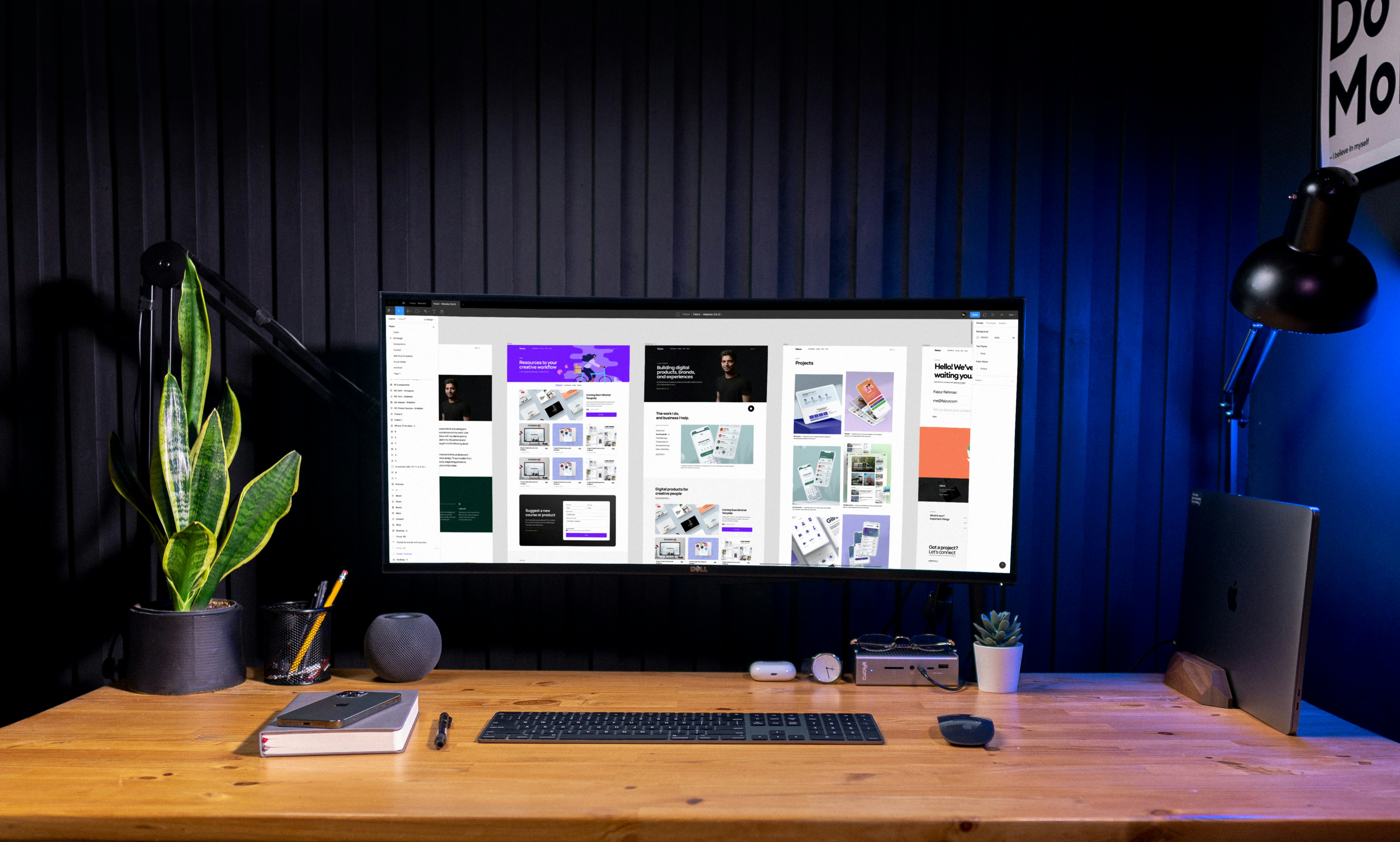
On a daily basis, a UI designer is an incredibly detail-oriented specialist responsible for crafting the specific visual and interactive touchpoints of a software application. UI designers spend their days inside design software, like Figma, working over the micro-details that define a digital experience for the user, ensuring the smooth navigation. This goes far beyond just choosing color palettes and typography scales, it is deeply rooted in interaction design. It requires establishing strict mathematical grids, managing pixel-perfect alignment, and designing every functional state of common UI elements, such as how a button subtly shifts color when hovered over, clicked, or disabled. Every single screen must be beautifully executed, completely consistent with the brand’s identity, and meticulously adapted to respond flawlessly across various device sizes, from a massive desktop monitor down to a smartwatch screen.
Within the greater product design lifecycle, the UI designer acts as the critical bridge between User Experience (UX) researchers and front-end developers. Typically, a UX designer maps out the user journey and hands over structural, black-and-white wireframes. The UI designer takes these blueprints and brings them to life by injecting a cohesive visual language, effectively merging the goals of UI and UX design to create a unified framework. Rather than just making things look pretty, their role is to translate raw UX logic into an engaging, intuitive visual aesthetic that satisfies the user and that the development team will ultimately code into a finished product.
Core Principles of UI Design
Before opening any software, you must understand the fundamental UI principles that govern how humans perceive visual information on a page or screen. Mastering these UI design principles is crucial.
Clarity
The primary goal of any interface is to communicate clearly. If a user has to guess what a button does, the design has failed.
Visual Hierarchy
Sizing and positioning UI elements strategically so the user’s eye is immediately drawn to the most important action on the screen first.
Alignment and Grids
Placing text and components on strict, mathematical grid systems to create a subconscious sense of order and professionalism.
Purposeful Contrast
Using distinct differences in color, harmonious color schemes, and scale, such as adjusting the font size, to make interactive elements stand out and ensuring every user can read it easily.
Generous Whitespace
Utilizing empty space to let the design breathe, preventing cognitive overload and grouping related information together.
Learn UI Design
When you decide to dive into this field, you’ll find that learning user interface design does not require a traditional four-year college degree, though that is certainly an option. The tech industry is famously portfolio-driven, employers care significantly more about what you can build than where you learned to build it. Because of that, the pathways into the industry are highly flexible. While it is technically possible to teach yourself entirely on your own using free online tutorials, it is rarely the most reliable or efficient route. Without a structured roadmap, a clear curriculum, and experienced mentors to receive feedback from, self-guided learners often struggle to find high-quality information, and frequently pick up bad design habits without realizing it.
Instead of going solo, many aspiring designers leverage structured education to pivot into the field and become a professional designer. Professionals from various backgrounds often transition smoothly: graphic designers, architects, and illustrators already understand visual principles and composition, while those with backgrounds in psychology or customer service excel because they possess a deep empathy for user needs, frustrations, and the overall user journey. Ultimately, the key to breaking into the industry is choosing an educational format that removes the guesswork from your learning journey while matching your budget and schedule.
Below is a breakdown of the three most common structured pathways to learn UI.
UI Design Courses
A standalone UI design course is typically a short-term class, ranging from basic self-paced online tutorials to premium, live, instructor-led classes designed to help you upskill. They focus strictly on specific, isolated skills (like “Mastering Typography” or “Intro to Figma”) rather than a complete career overhaul.
Pros
Affordable, flexible, and good for testing the waters or filling a specific knowledge gap when learning UI design.
Cons
Depending on the format, basic self-paced courses offer very little one-on-one mentorship or career placement support, meaning you are responsible for holding yourself accountable to leverage the curriculum.
UI Design Programs
UI design programs are formal, institutional educations with credits that involve taking multiple classes over several semesters. This includes traditional university degrees or lengthy, multi-year college diplomas focusing on learning product design over multiple years.
Pros
Provides a comprehensive and structured curriculum, grants you access to university resources, internships, and alumni networks, and carries the traditional prestige of a formal degree.
Cons
They require a significant financial investment (unless you secure financial aid) and a multi-year time commitment, making it difficult to complete if you are already working a full-time job or looking to pivot careers quickly.
UI Design Certification
Certifications are complete training tracks designed to prepare you directly for the workforce without needing to enroll in a formal university or leave your current job. These provide significantly more depth and practical application than a singular introductory course to start learning UI design.
Pros
Offers a structured, fast-paced curriculum centered on UI design principles with expert mentorship and dedicated career coaching, helping you get job-ready in a matter of months rather than years.
Cons
They require a financial investment and can demand an intense weekly time commitment. Additionally, certificates generally don’t equal the universal prestige of a traditional university degree.
Designing UI
Theory only gets you so far, UI design is a highly practical discipline. You must spend hours inside design software training your eye for the user long before you apply for a job, understanding how a typical user interacts with layouts. Fortunately, you can gain this experience through guided practice that reinforces core UI design principles. By utilizing the right tools and tackling manufactured challenges, you will quickly develop the muscle memory needed to execute complex designs.
Popular Tools for UI Design
To practice, master industry-standard design tools. Prioritizing the right software boosts your employability and streamlines your workflow.
- Figma: The industry standard. It is a cloud-based, collaborative tool that is free to learn and used by nearly every major tech company today. Prioritize learning this tool above all else.
- Penpot: A rising, open-source alternative favored by highly technical developer-led teams.
Adobe XD & Sketch
Former industry giants that are still used by some legacy enterprise companies. Good to know those tools exist, but they are taking a backseat to Figma.
Best Design Challenges to Try
Blank canvases can be paralyzing. Design challenges use fake prompts to simulate real-world tasks, helping you practice your thought process, manifest your best ideas, and level up fast.
- The Daily UI Challenge: A popular email newsletter that sends you a specific UI prompt every day for 100 days (e.g., “Design a checkout page for a specific user”). It is fantastic for rapid software practice to hone your skill.
- The “Copywork” Method: Take screenshots of your favorite, beautifully designed apps and try to recreate them pixel-for-pixel in Figma. This is the fastest way to understand how professionals handle spacing and layout for a mobile app.
- UX/UI Hackathons: Join weekend-long events where beginners team up to solve a design problem in 48 hours. It simulates the high-pressure, collaborative environment of a real job to create a high-fidelity interactive prototypes.
Create Sample Projects
Once comfortable with UI tools, accelerate your learning in product design by tackling real-world constraints. Create sample projects involving actual stakeholders, raw user research, and true user personas. Offering free design services teaches you client communication, how to build interactive prototypes, how to handle feedback, and how to design for business needs, experience that a fake brief simply cannot provide.
Here are the best tips to gain hands-on experience and build real world projects:
Taking initiative on projects builds your technical skills and gives you highly competitive stories to pitch in future job interviews.
UI Design Resources
To truly adopt the UI mindset, you must immerse yourself in the industry’s culture and explore the free resources available. Design trends move incredibly fast, and staying up-to-date with the latest standard practices, reading foundational literature, and consistently analyzing top-tier work is what separates an amateur from a professional.
Bookmark the following valuable resources to build your foundational knowledge, keep your daily inspiration fresh and learn more tips along the way.
Academic Papers on UI Design Principles
While UI feels highly creative, it is deeply rooted in human-computer interaction (HCI) science.
Fitts’s Law (Paul Fitts, 1954)
It takes users longer to click on things that are tiny or far away. In UI/UX design, this means your most important actions must be large, prominent, and placed exactly where the user’s cursor or thumb already is.
Hick’s Law (William Hick & Ray Hyman, 1952)
Proves that the time it takes for a user to make a decision increases with the number and complexity of choices. In UI, this is the academic foundation for simplifying navigation menus.
10 Usability Heuristics for User Interface Design (Jakob Nielsen, 1994)
While this often crosses into UX design territory, it is mandatory reading for digital design in general. This foundational paper outlines the broad rules of interaction, which directly dictate how UI designers must visually style loading bars, success notifications, and error messages.
UI Design Books
Focus strictly on actionable visual execution and tips.
- Adam Wathan & Steve Schoger
Refactoring UI
Widely considered the best for modern, practical user interface design. It provides immediate, actionable rules for making interfaces look professional and user-friendly.
- Adham Dannaway
Practical UI
An excellent, logic-driven approach that provides clear guidelines on creating accessible layouts optimized for usability, without needing artistic flair.
- Josef Müller-Brockmann
Grid Systems in Graphic Design
Although this is a traditional graphic design book from 1981, it is the pioneer for understanding how to mathematically structure visual information.
UI Design Inspiration
Always reference what the industry is currently creating to spark new ideas.
UI Design Trends and News
Learn about new tools, software updates, and shifting methodologies to improve how your designs works for the user.
How to Become a UI Designer
After mastering the fundamental principles, software, and a few projects, it is time to job-hunt. Landing your first tech role involves stiff competition with other designers and multi-stage interviews, but strong foundational assets will help you stand out. Prepare this triad of assets to create a great impression.
UI Design Portfolio
This is your most important asset, it matters far more than your resume. Your UI design portfolio is a personal website showcasing a few detailed case studies. Avoid only showing aesthetic screens, your portfolio must tell the story of your design thinking process and your comprehensive design process. You must explain the user problem you were trying to solve, show your early wireframes, explain why you chose specific visual directions, and display the final high-fidelity product.
UI Design Resume
A UI design resume must bridge the gap between creativity and corporate professionalism. It needs to be perfectly laid out, proving you understand design basics, but remain simple enough to pass through automated Applicant Tracking Systems (ATS). Focus on detailing the specific tools you used and, if possible, highlight the measurable impact of your projects (e.g., “Designed an e-commerce flow optimized for faster user checkout”).
UI Design Interview Questions
UI interviews are rigorous and usually span three to four rounds. You will face behavioral questions, a portfolio review where you present your work and articulate your thought process, respond to client feedback and stakeholder feedback, and often a whiteboard challenge or take-home design task. Expect to answer technical questions like, “Can you explain color theory?” or strategic questions like, “How do you handle a specific design decision when disagreements with developers arise regarding technical constraints?”. Preparation and clear communication are key.
FAQ
get started
Accelerate Your Design Career
Courses built on adaptive curriculum and led by leading industry experts.
Work on projects in a collaborative setting
Get access to VIP events and workshops
Taught by industry experts